FBS Support
Writen By

Online Trading Platform Researcher and Guide Writer
Researches broker platforms and trading account Systems.
Facing a verification delay, a failed deposit, or trouble logging into your trading account? When money or access is at stake, knowing the right support channel and what information to provide saves time and prevents mistakes. This page shows practical ways to reach the FBS support team, compares response expectations for live chat, phone, and email, and explains which channel suits account issues, payment queries, trading platform problems, and security reports.
Read on for step-by-step contact options, sample messages to speed resolution, and a checklist of documents or screenshots to attach when asking about deposits, withdrawals, verification, or order execution. You’ll also find guidance on expected reply times, how to escalate unresolved cases, language availability, and basic safety rules—never share passwords or one-time codes and always confirm you’re contacting the official FBS help channels listed within your account. This reduces delays and protects your funds.
Read on for step-by-step contact options, sample messages to speed resolution, and a checklist of documents or screenshots to attach when asking about deposits, withdrawals, verification, or order execution. You’ll also find guidance on expected reply times, how to escalate unresolved cases, language availability, and basic safety rules—never share passwords or one-time codes and always confirm you’re contacting the official FBS help channels listed within your account. This reduces delays and protects your funds.

FBS Online Chat
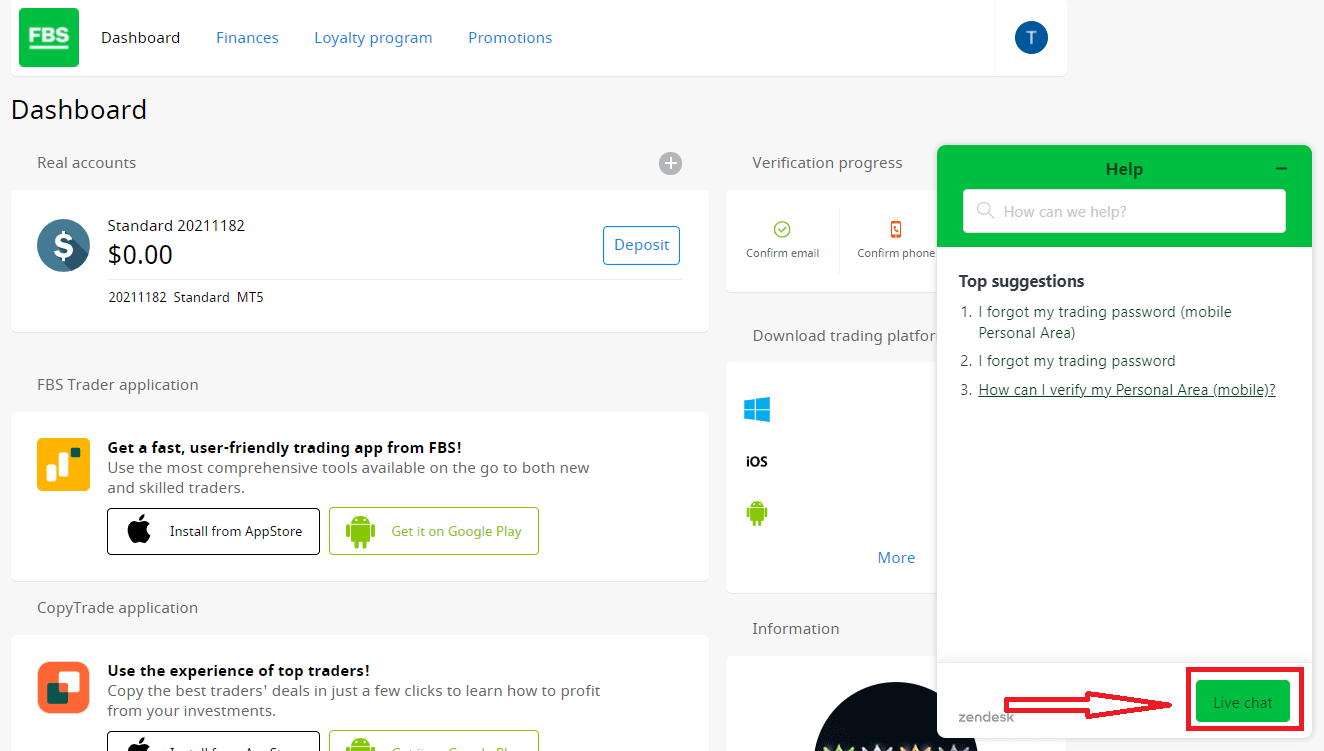
One of the most convenient ways to contact the FBS broker is by using online chat with 24/7 support that allows you to resolve any issue as fast as possible. The main advantage of the chat is how fast FBS gives you feedback, it takes about 3 minutes to get answered.Press the "Live Chat" green button
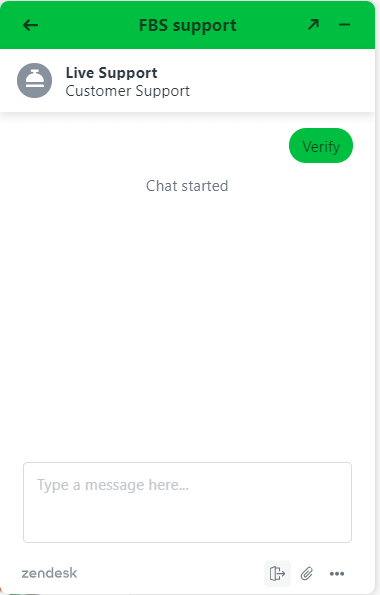
Live Support will appear
FBS Assistance by Email
Another way to contact support is by e-mail. So if you don’t need a quick answer to your question, just send an email to [email protected]. We strongly recommend using your registration email. I mean the email that you used for registration on FBS. This way, FBS will be able to find your trading account by the email that you used.
FBS Help by Phone
+35 7251 23212.Another way to contact FBS is by phone. All outgoing calls will be charged according to the tariffs of the city indicated in brackets. These will vary according to your telephone operator.
Which is the fastest way to contact FBS?
The fastest response from FBS you will get through the Phone Call and Online Chat.
How fast can I get a response from FBS support?
You will get an immediate response if you contact FBS by phone. You will be answered in several minutes if you write via Online chat.
In which language can FBS answer?
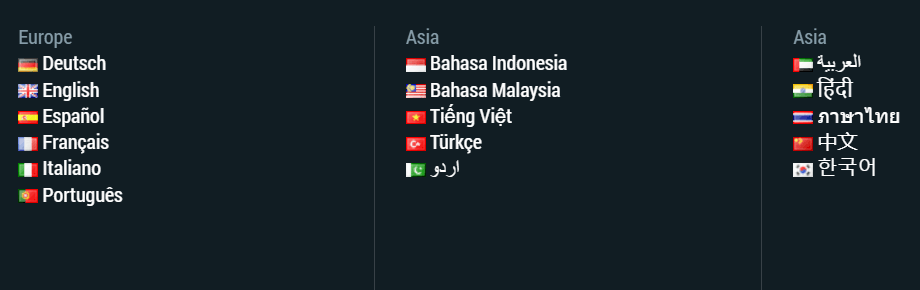
FBS can answer your question in any language you need. Translators will translate your question and give you an answer in the same language.
Contact FBS via Social Networks
Another way to contact FBS support is through Social Media. So if you have
- Facebook: https://www.facebook.com/financefreedomsuccess
- Twitter: https://twitter.com/FBS_news
- Instagram: https://www.instagram.com/FBS_forex/
- Telegram: https://t.me/fbsonlinetrading
- YouTube: https://www.youtube.com/user/FBSforex
- Telegram: https://t.me/fbs_bot
You can send a message on Facebook, Twitter, Instagram, Telegram, and YouTube. You can ask common questions on Social networks
FBS Help Center
We have got the common questions you need at here: https://support.fbshelp.com/hc/en-us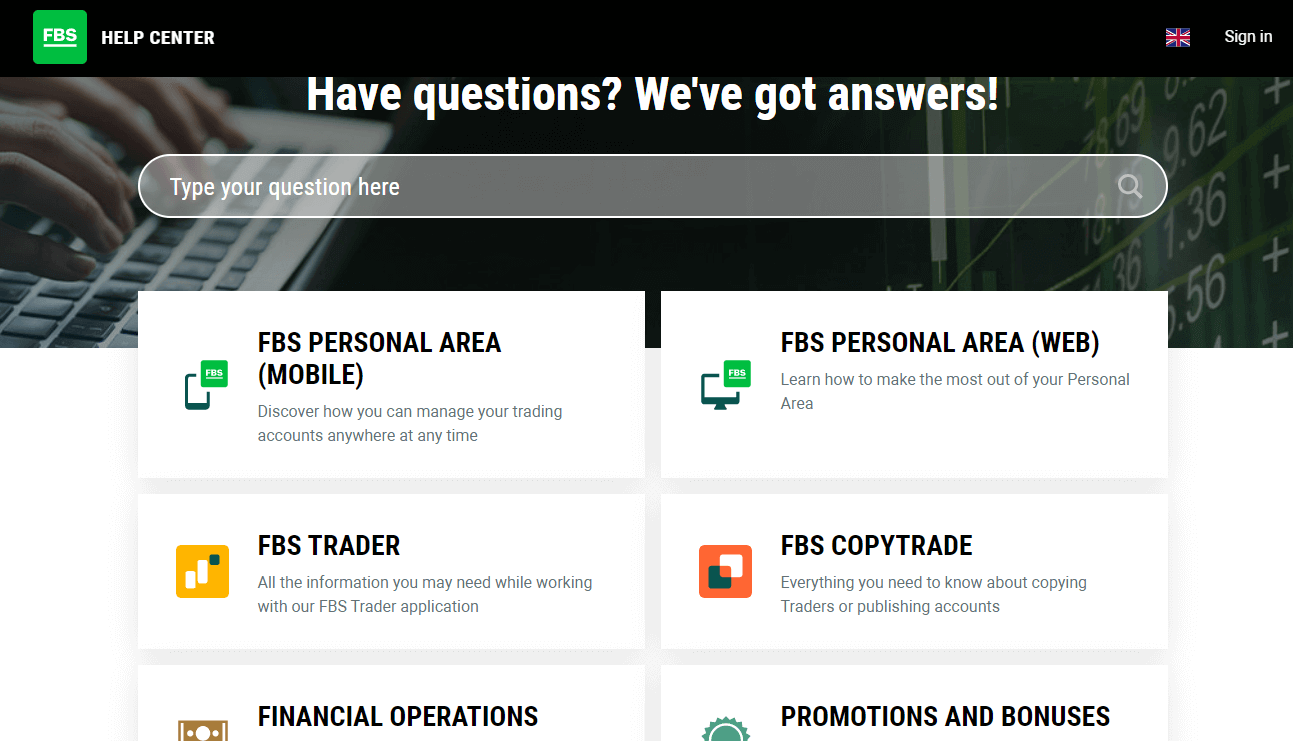
Conclusion: Reliable Support When You Need It
FBS prioritizes customer service, offering multiple support channels to ensure that traders can quickly resolve issues and continue trading with confidence. Whether through live chat, email, or self-service resources, FBS provides responsive and professional support tailored to your needs.By knowing how to contact FBS support effectively, you can make the most of your trading experience with minimal disruption.
FAQs
Use the in-platform live chat inside your Personal Area or mobile app for fastest responses, submit a support ticket from your account dashboard for documented cases, or send an email when attachments are needed. Phone support exists for some regions and can be useful for urgent issues. For document uploads and sensitive requests, use the secure upload tool in your Personal Area rather than public social channels for faster, safer handling.
Live chat typically replies within minutes during active hours; email and ticket responses commonly arrive within 24 to 72 hours depending on volume. Complex payment or compliance cases often take longer because they require manual checks and coordination with payment providers.
Provide your account ID, full name as on account, transaction reference or payment receipt, payment method and wallet/card last four digits, exact amount and currency, date and time of the attempt, and clear screenshots of the payment confirmation and any error messages. Attach these files to a support ticket from your Personal Area to speed verification and avoid sharing full card numbers or passwords.
Support asks for verification when required by compliance or when account details don’t match payment info. Common causes are blurry or expired documents, mismatched names or addresses, or payment evidence that doesn’t show the sender. Fix this by uploading high-quality, color scans of ID and proof of address that clearly show names and dates, ensure file formats meet the platform’s requirements, and reply to the same ticket with annotated screenshots if needed.
Uploading documents via your secured Personal Area is the safest method; those channels use encrypted transfers and are designed for compliance checks. Never send passwords, OTPs, or full card numbers over chat or email. If in doubt, confirm the support request inside your account and enable two-factor authentication to protect access while your documents are being processed.