How to Sign In to FBS
Writen By

Online Trading Platform Researcher and Guide Writer
Researches broker platforms and trading account Systems.
FBS is a globally recognized forex and CFD broker trusted by millions of traders for its user-friendly platform, competitive trading conditions, and strong security protocols.
Whether you're an experienced trader or just starting out, signing in to your FBS account is the first step to accessing your trading dashboard and managing your portfolio. This professional guide outlines how to sign in to FBS securely and efficiently, ensuring a smooth start to your trading session.
How do you Sign In to the FBS account?
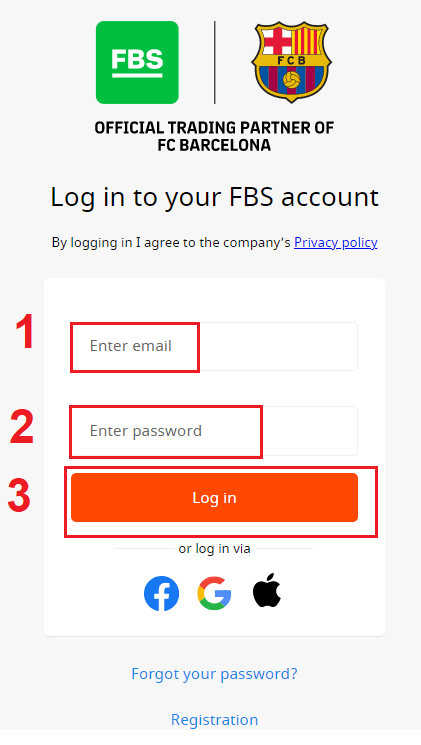
- Go to the mobile FBS App or Website.
- Click on “Login”.
- Enter your email and password.
- Click on the “Log In” orange button.
- Click on “Facebook,” “Gmail,” or "Apple" for login through social network.
- If you forgot your password, click on “Forgot your password”.
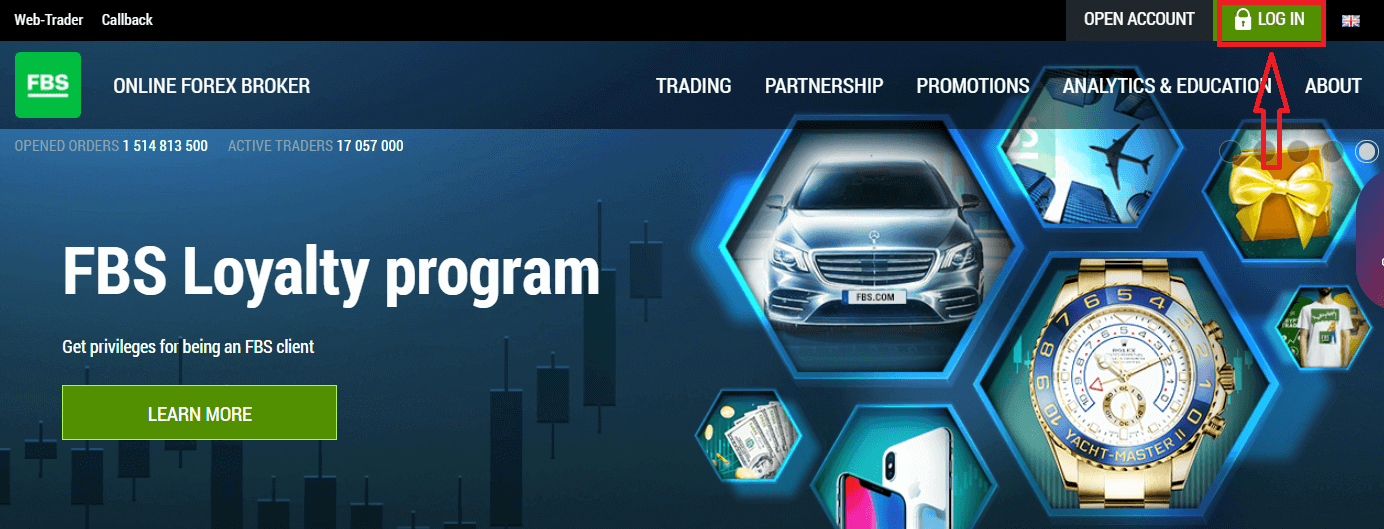
To log in to FBS, you need to go to the trading platform application or website. To enter your personal account (log in), you must click on the «LOG IN». On the main page of the site and enter the login (e-mail) and password that you specified during registration.
How do you Sign In to FBS using Facebook?
You can also log in to the website using your personal Facebook account by clicking on the Facebook logo. The Facebook social account can be used on web and mobile apps.1. Click on the Facebook button
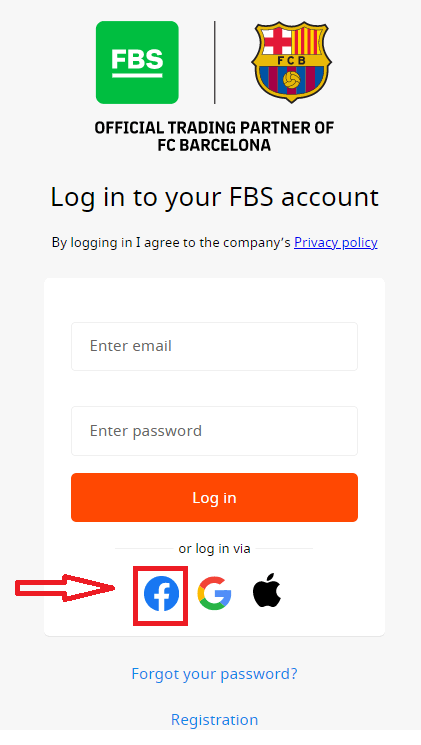
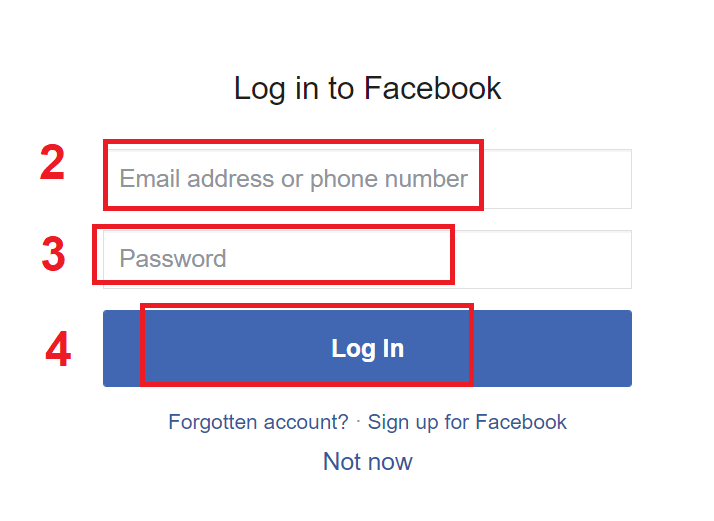
2. The Facebook login window will be opened, where you will need to enter your email address that you used to register in Facebook
3. Enter the password from your Facebook account
4. Click on “Log In.”
Once you’ve clicked on the “Log in” button, FBS is requesting access to: Your name and profile picture, and email address. Click Continue...
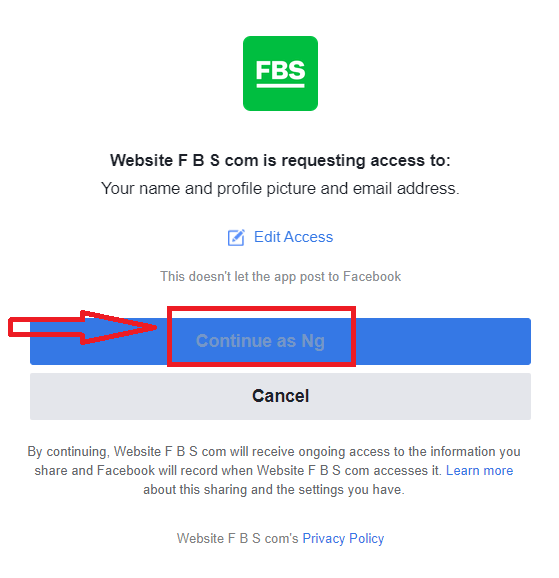
After that, you will be automatically redirected to the FBS platform.
How do you Sign In to FBS using Gmail?
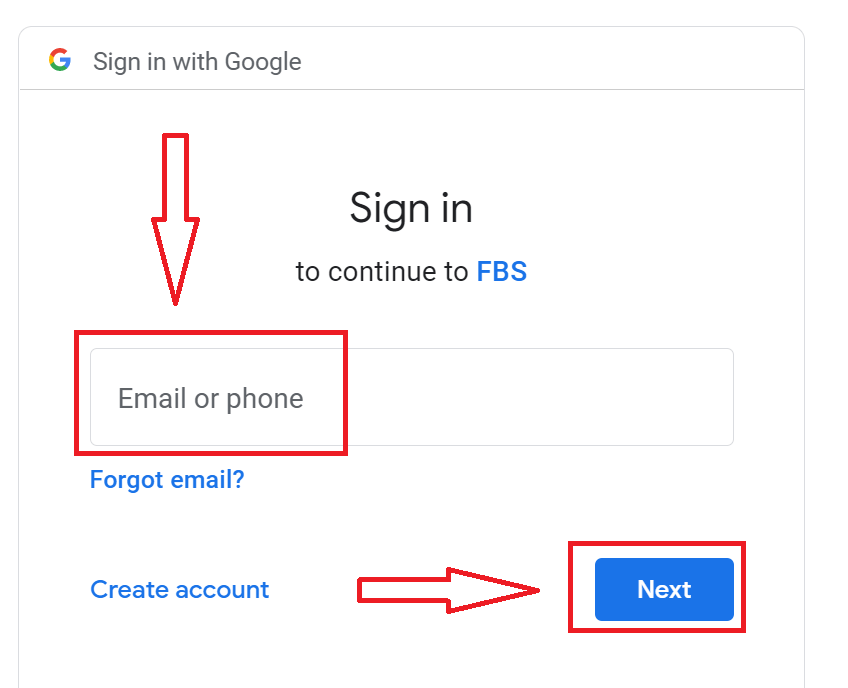
1. For authorization through your Gmail account, you need to click on the Google logo.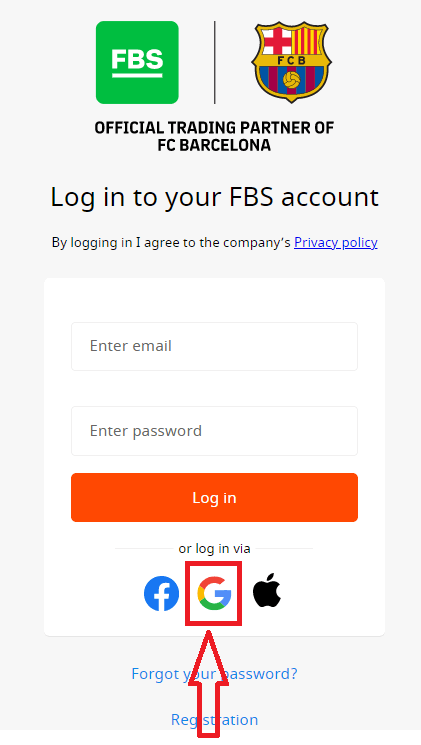
2. In the new window that opens, enter your phone number or email and click “Next”.
3. Then enter the password for your Google account and click “Next”.
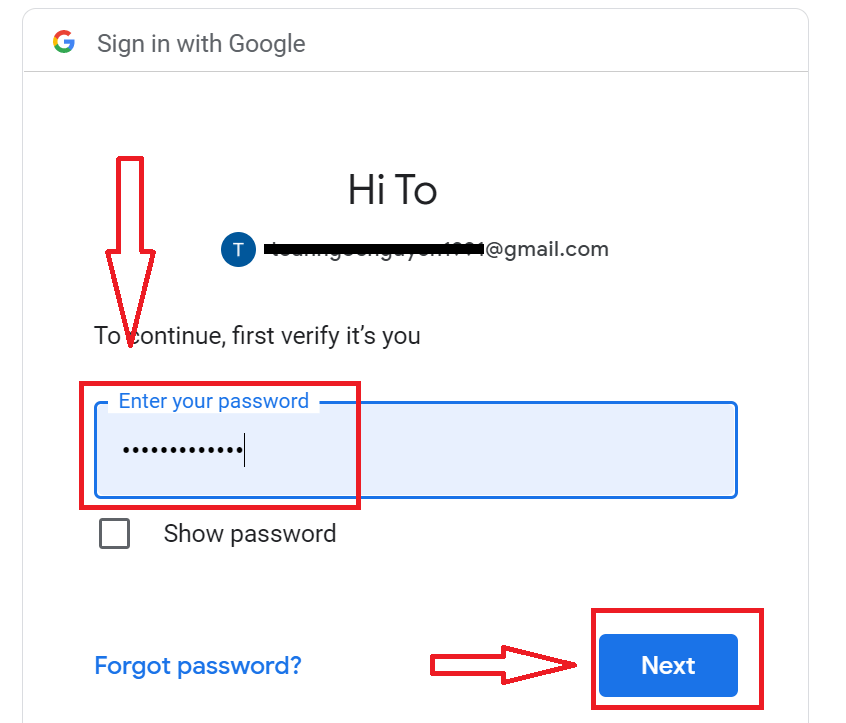
After that, follow the instructions sent from the service to your email address. You will be taken to your personal FBS account.
How do you Sign In to FBS using an Apple ID?
1. For authorization through your Apple ID account, you need to click on the Apple logo.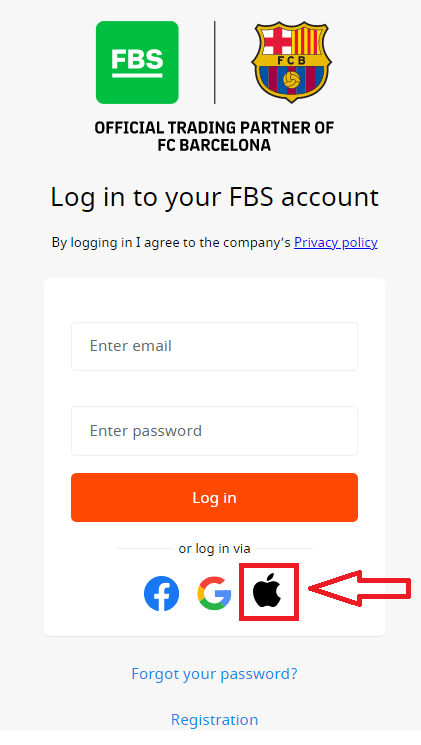
2. In the new window that opens, enter your Apple ID and click “Next”.
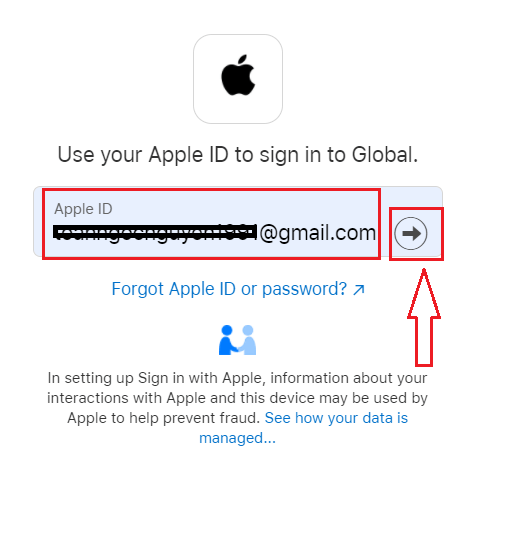
3. Then enter the password for your Apple ID and click “Next”.
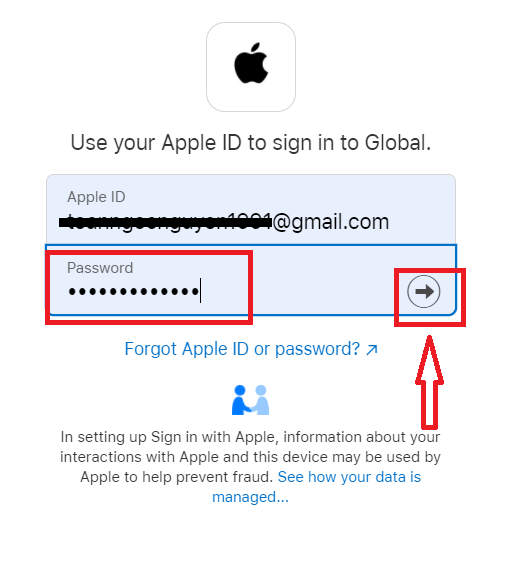
After that, follow the instructions sent from the service to your Apple ID. You will be taken to your personal FBS account.
I forgot my Personal Area password from FBS
To restore your Personal Area password, please kindly follow the link.There, please, enter the e-mail address your Personal Area is registered with and click the "Confirm" button:
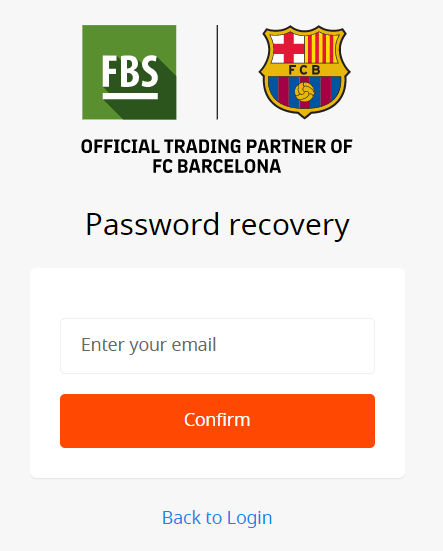
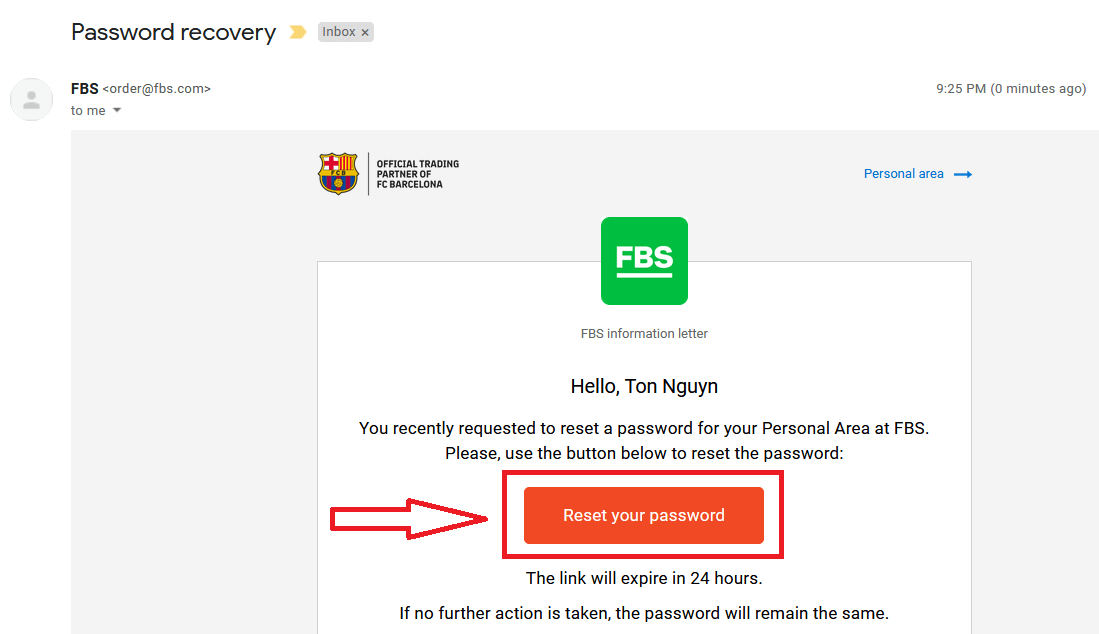
After that, you will receive the email with a password recovery link. Please, kindly click on that link.
You will be forwarded to the page where you can enter your new Personal Area password and then confirm it.
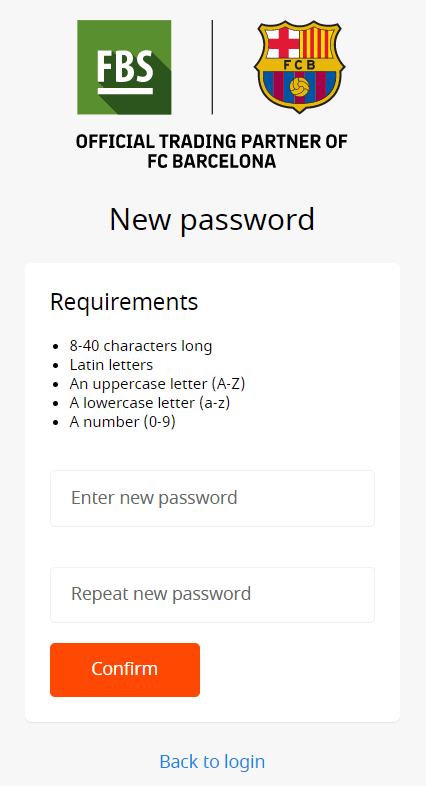
Click the "Confirm" button. Your Personal Area password has been changed! Now you can log in to your Personal Area.
How do you Sign In to the FBS Android app?
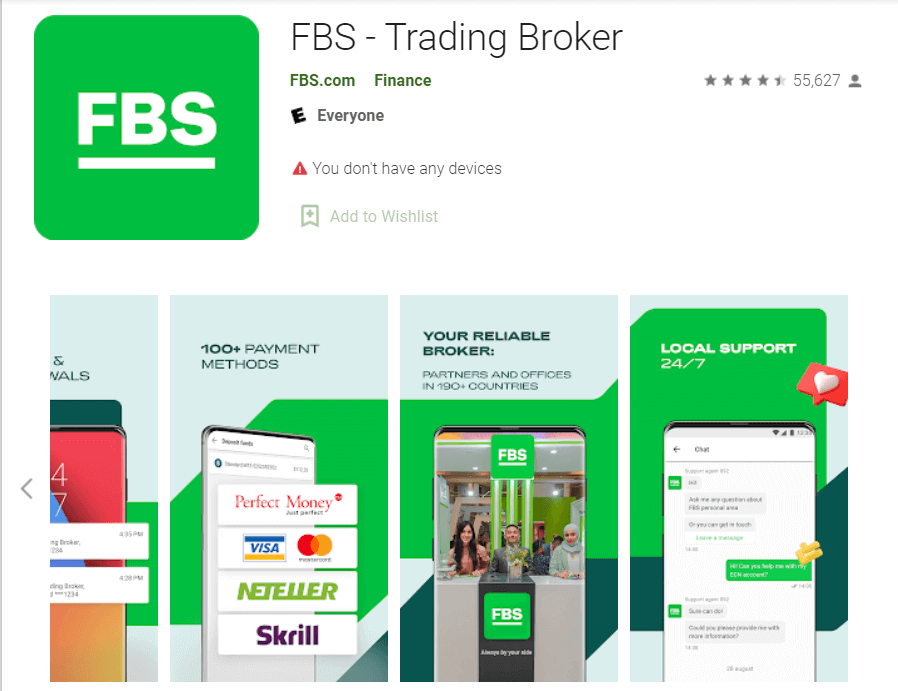
Authorization on the Android mobile platform is carried out similarly to authorization on the FBS website. The application can be downloaded through the Google Play Store on your device, or click here. In the search window, just enter FBS and click «Install».After installation and launching, you may log in to the FBS Android mobile app by using your email, Facebook, Gmail,l or Apple ID.
How do you Sign In to the FBS iOS app?
You have to visit the App Store (iTunes) and in the search use the key FBS to find this app, or click here. Also, you need to install the FBS app from the App Store. After installation and launching, you may log in to the FBS iOS mobile app by using your email, Facebook, Gmail, or Apple ID.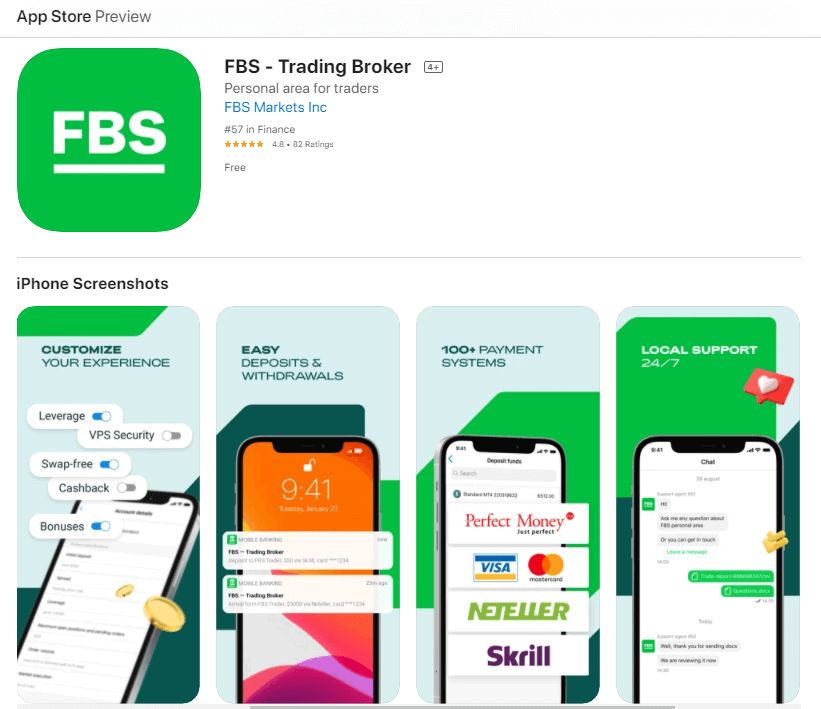
Conclusion: Secure Access for Smarter Trading
Signing in to your FBS account is a fast and secure process designed to give you immediate access to your trading tools and financial data.Always verify the website URL, use strong, unique passwords, and enable security features like 2FA to protect your account. With these practices in place, you can confidently manage your trading activities on one of the most trusted platforms in the industry.